 Keet Support
Voice calls 📞
You can make both group and direct calls in Keet — it’s fast, secure, and fully peer-to-peer.
How do I call someone on Keet?
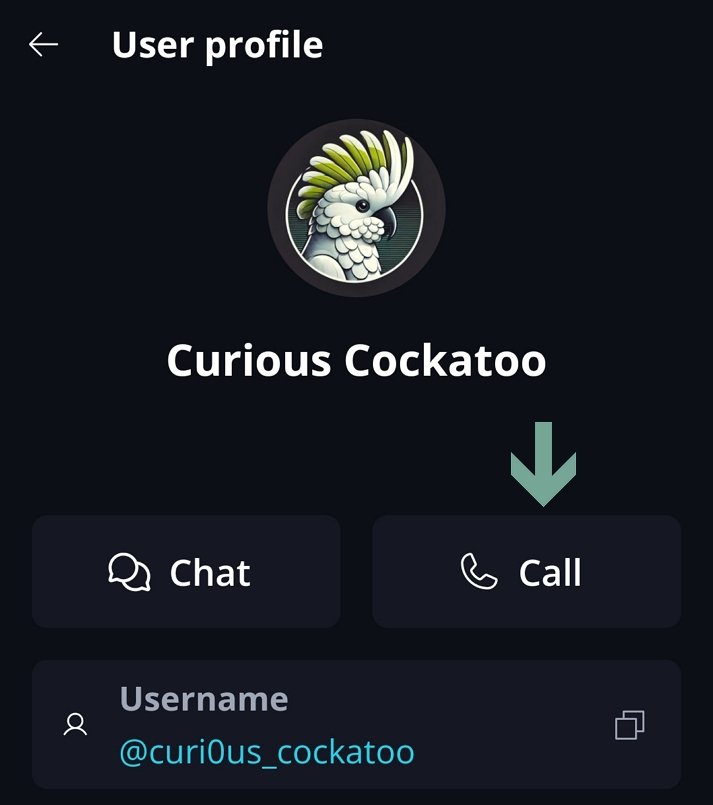
To start a direct call, you need to have a DM with a peer, and then you can just tap the call button on their profile.
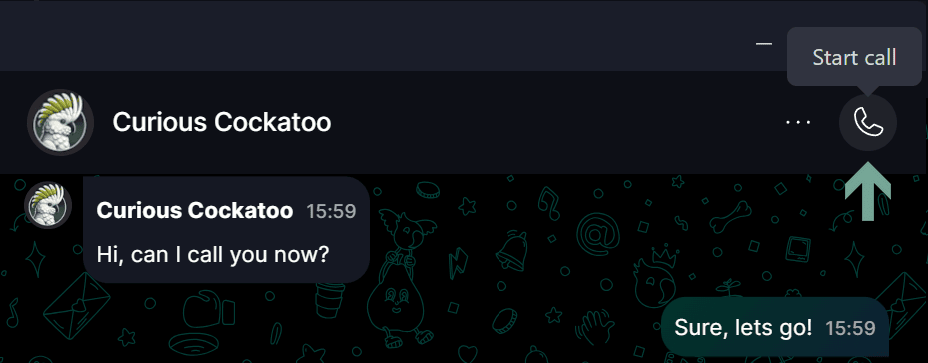
Alternatively, you can start a call in the group - either DM or a regular group if calls are enabled - by clicking the ‘Start Call 📞’ button at the top right corner.
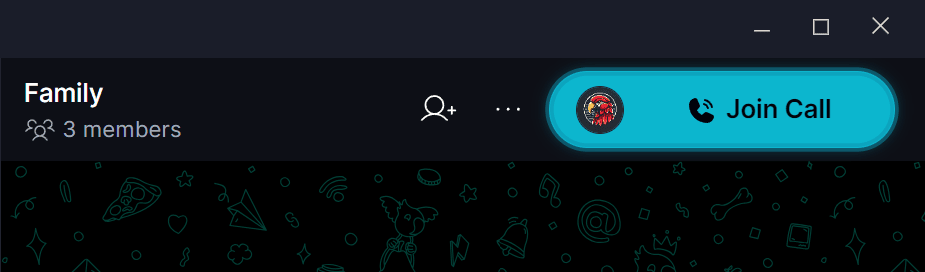
You can also join an ongoing call that was started by other peers:
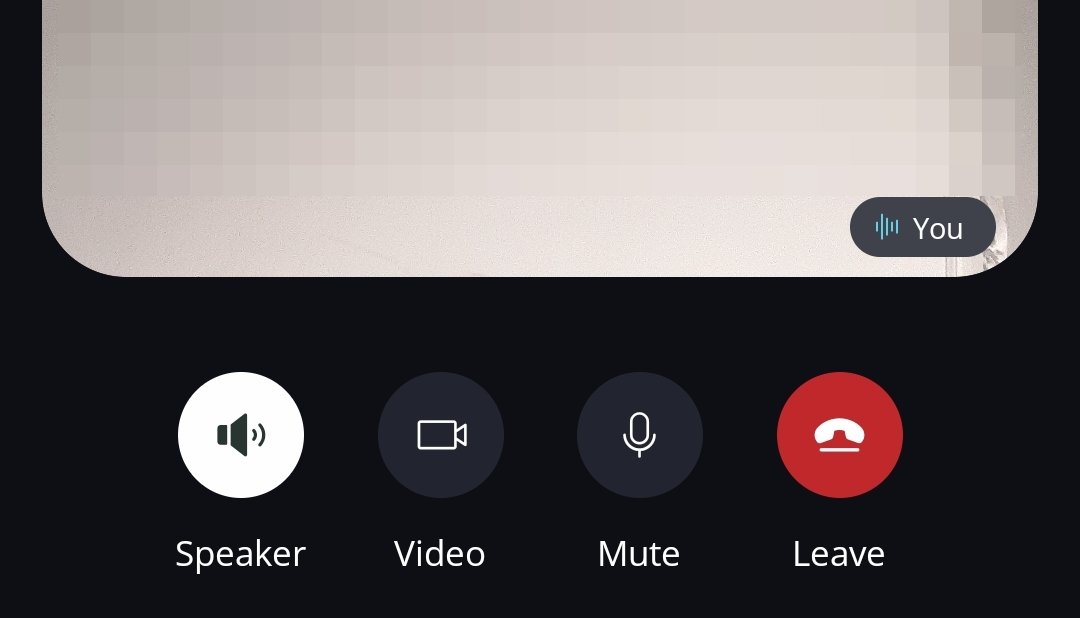
Use the in-call controls to manage screen sharing, microphone, and camera settings:
Make sure you allow access to the microphone in your device settings 🎙️
If you talk while your microphone is muted, Keet desktop can remind you. See Speaking While Muted.
If you are experiencing call issues, check out this article or submit the bug report to Bug Bandits.